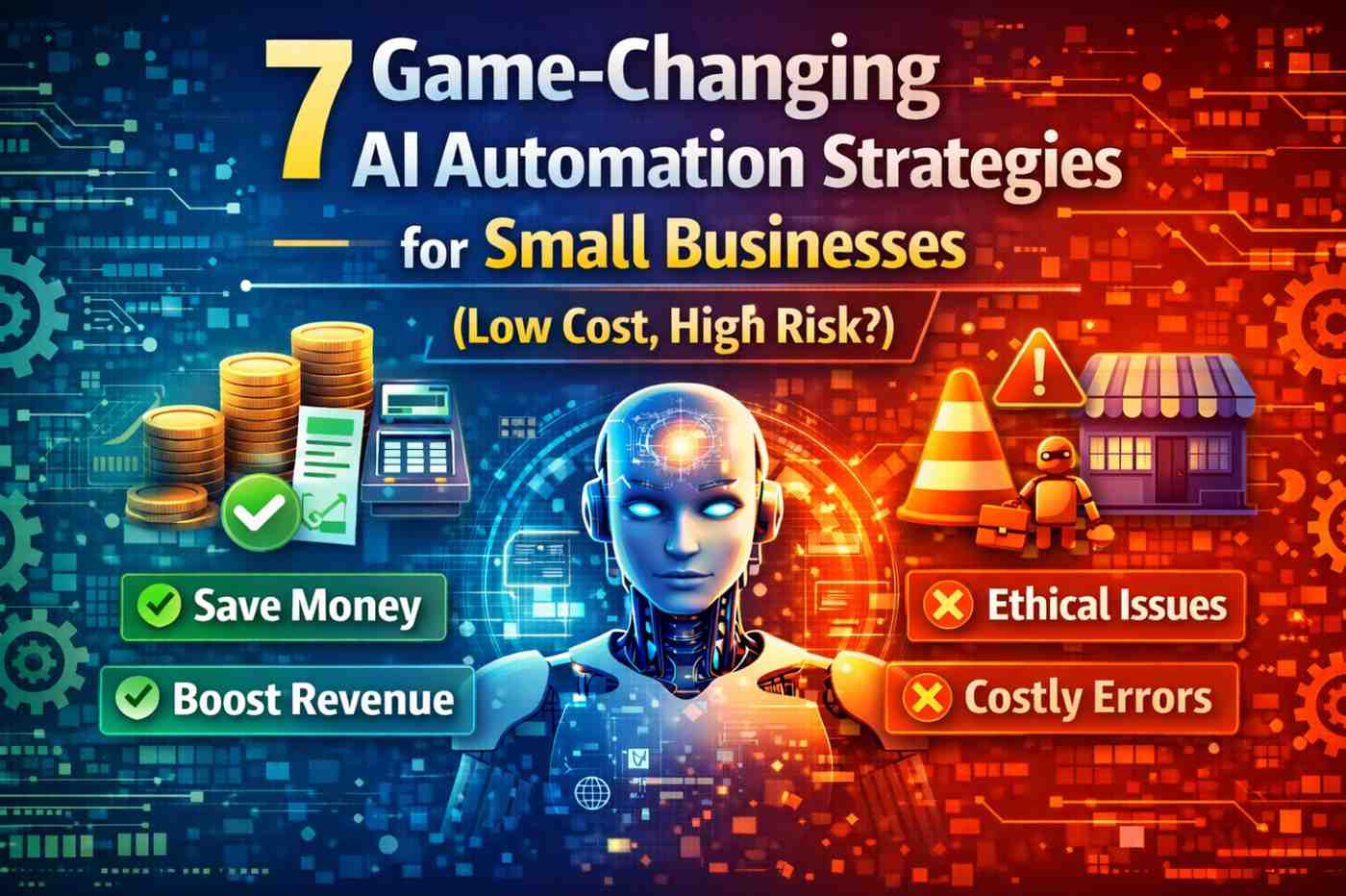
Implementing AI automation for small businesses can feel like stepping into a high-stakes game: the promise of lower costs and faster growth is real, but the choices you make can introduce new risks. Whether you run a local retail shop, a boutique agency, or a home-based consultancy, smart AI automation for small businesses can free up time, reduce errors, and stretch tight budgets — if you pick the right strategies and safeguards.
AI automation for small businesses: 7 Smart, Low-Cost Strategies
1. Customer support chatbots that deflect routine queries
One of the most accessible uses of AI automation for small businesses is deploying chatbots to handle FAQs, order tracking, and basic troubleshooting. Modern chatbots can integrate with your website and messaging platforms, resolving a large percentage of routine inquiries so human staff focus on complex problems. Start with templated flows and a small knowledge base, then iterate based on chat transcripts.
2. Automate bookkeeping and invoicing
AI-driven bookkeeping tools can categorize expenses, reconcile bank transactions, and generate invoices with minimal oversight. For small teams, this reduces accounting time and minimizes human error. Many low-cost services offer pay-as-you-go pricing that makes AI automation for small businesses financially practical from day one. Pair automation with monthly review habits so anomalies are caught early.
3. Personalized email marketing and lead nurturing
Use simple AI features—like subject-line optimization, send-time prediction, and audience segmentation—to make small campaigns perform like large ones. AI automation for small businesses can personalize messages at scale, increasing open and conversion rates without expanding your marketing headcount. Start with one campaign type (welcome series, abandoned cart) and expand when you see measurable ROI.
4. Smart scheduling and appointment management
Automated scheduling tools use AI to find mutually available times, send reminders, and reduce no-shows. For service providers, clinics, and consultants, this is an immediate time-saver and improves customer experience. Implement rules around buffer times and cancellation policies to protect your calendar from back-to-back overruns.
5. Inventory and supply chain alerts
AI can monitor stock levels, predict reorder points based on seasonality, and create alerts when supplier lead times spike. Even small retailers benefit from reduced stockouts and overstocking when they adopt basic AI automation for small businesses inventory workflows. Connect automation to simple dashboards so you can act quickly when thresholds are crossed.
6. Lead scoring and CRM automation
Automatic lead scoring helps small sales teams prioritize prospects and automate follow-up actions. AI models can analyze engagement signals and demographic data to recommend next steps, reducing time spent on low-value leads. When using AI automation for small businesses in sales, keep human oversight for high-value accounts to maintain relationship nuance.
7. Content assistance and basic generation
AI tools can draft product descriptions, social posts, and subject lines, speeding content production. For small budgets, use these tools to create first drafts, then have staff edit to preserve brand voice and accuracy. As you scale content automation, create clear templates and guardrails to prevent off-brand or inaccurate outputs.
Practical setup: low-cost workflows and tool selection
Start with high-impact, low-risk automations
Prioritize automations that reduce repetitive tasks and have obvious safety nets: invoicing, scheduling, and canned support responses. These areas tend to deliver rapid time savings with limited downside. Explore affordable platforms and combine them with free integrations to keep initial costs low. For context on broader adoption patterns, check recent AI automation trends.
Choose tools designed for SMBs
Not every enterprise-grade AI tool fits a small budget or a lean operations model. Look for vendors that explicitly serve small businesses, offer transparent pricing, and include onboarding resources. A practical list of vendor options and how they help is available in guides about AI tools for SMBs. Try to pilot tools on a 30–60 day timeline to validate value before committing to a subscription.
AI automation for small businesses — Risks and Mitigation
Data privacy and compliance
Automation often requires access to customer data. Use data minimization, strong access controls, and encryption to reduce risk. Consult resources such as the SBA automation guide for practical compliance steps tailored to small operations.
Over-reliance and skill erosion
When routine tasks are fully automated, staff can lose hands-on skills. Counterbalance by rotating responsibilities and scheduling regular manual reviews. Treat AI automation for small businesses as an assistant, not a replacement, and invest in staff training to interpret AI outputs critically.
Table of Contents
Bias, accuracy, and brand risk
AI-generated content or decisions can contain biases or factual errors. Implement review workflows for customer-facing outputs and maintain clear escalation paths when automated decisions affect customers. This preserves brand trust and reduces the likelihood of reputational harm. For insights into industry-level impacts, see reporting on emerging approaches from Forbes small business AI.
Measuring success: simple KPIs for small teams
Time saved and cost per task
Track hours reclaimed after implementing each automation and estimate the equivalent labor cost saved. Small businesses can quickly see whether AI automation for small businesses delivers the promised efficiency gains by measuring before-and-after time on repetitive tasks.
Accuracy and customer impact
Monitor error rates, customer satisfaction scores, and support resolution times. Combining quantitative KPIs with occasional qualitative feedback helps ensure automations actually improve the customer experience.
Adoption and drop-off rates
Measure how often staff and customers use automated features. High drop-off suggests friction or poor fit; low adoption could indicate training or UX issues. Iterate based on these signals rather than assuming automation success.
Practical checklist to deploy AI automation for small businesses
- Identify 1–2 processes with clear time or cost waste and low customer risk.
- Run a 30–60 day pilot with measurable KPIs and a simple rollback plan.
- Limit data access and document handling rules before connecting systems.
- Train staff on how to interact with and override automations.
- Review outputs weekly during rollout, then monthly once stable.
Future-proofing and scaling
Plan for modular growth
Design automations as modular components you can expand. Start with narrow use cases that integrate cleanly with your CRM or accounting system; later add complexity such as predictive analytics or multi-channel orchestration. Using modular, documented automations makes it easier to audit and update systems as your business changes.
Invest in human-in-the-loop systems
Keep people in the loop for exceptions, quality checks, and relationship work. This hybrid approach reduces the risk of automation failures while letting your team benefit from AI automation for small businesses efficiency gains.
AI automation for small businesses offers tangible advantages: reduced costs, faster workflows, and better customer responsiveness. However, these benefits come with responsibilities around data, accuracy, and governance. By starting small, measuring impact, and keeping humans involved, small organizations can use AI automation for small businesses safely and effectively, reaping outsized rewards from modest investments.
Conclusion: Thoughtful adoption of AI automation for small businesses lets you do more with less, but only if you balance ambition with safeguards. Begin with low-risk pilots, measure outcomes, and scale what works while guarding customer trust and operational resilience.



Leave a Reply