
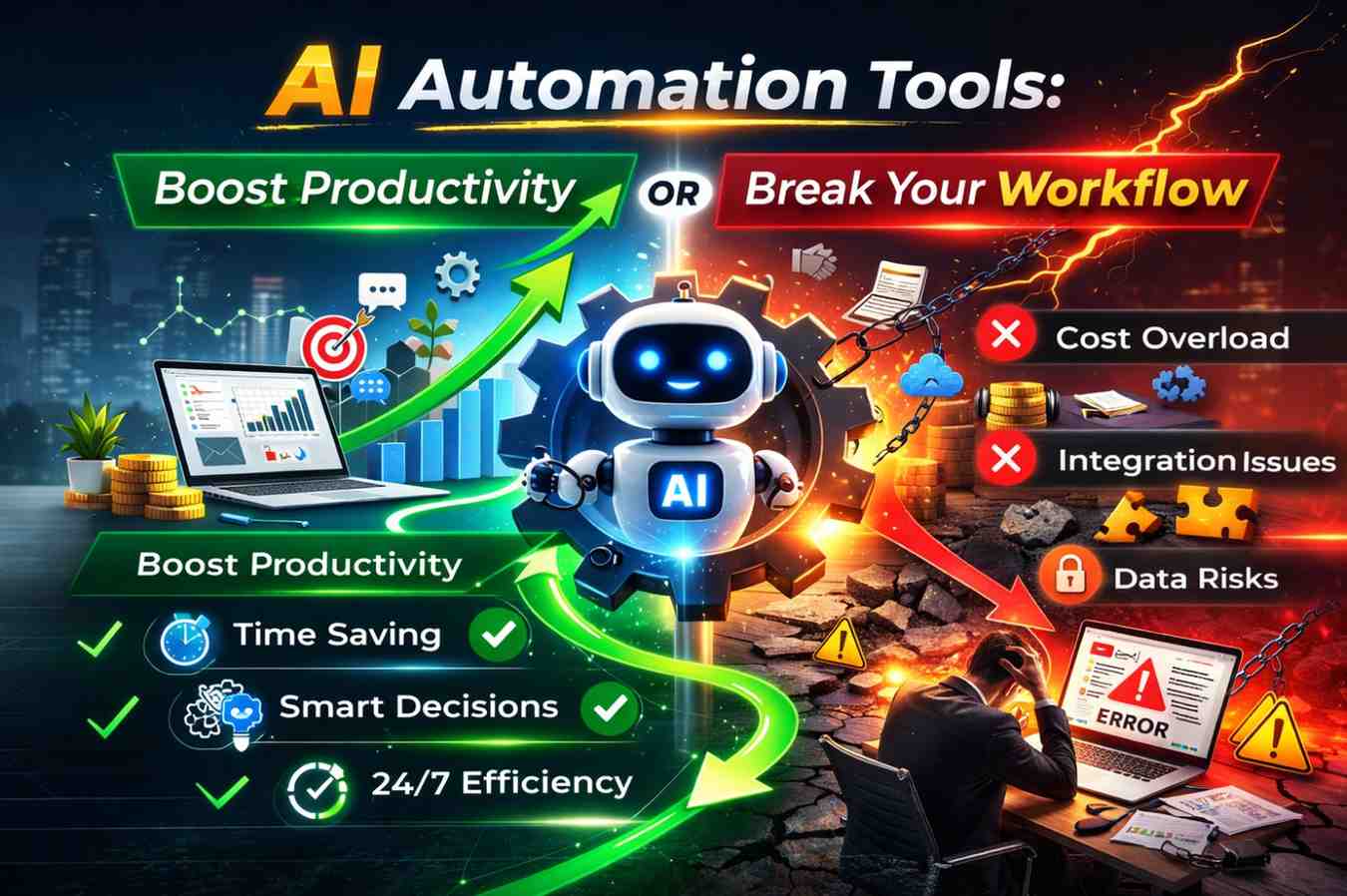
AI Automation Tools are changing how teams work: they can accelerate repetitive tasks, reduce errors, and free up creative capacity, but they can also introduce complexity, obscure processes, and create fragile workflows if implemented without strategy. In this post I’ll explore practical ways to decide when to adopt AI Automation Tools, how to integrate them without breaking momentum, and how to measure whether they truly boost productivity or quietly erode it.
Table of Contents
AI Automation Tools: When They Boost Productivity
Used well, AI Automation Tools become a multiplier for human effort. They handle repetitive data entry, surface insights from large datasets, automate routine communication, and speed up approvals and handoffs. The most effective deployments target time-consuming, rule-based tasks where consistent outcomes matter. Examples include automated invoicing, customer support triage, content tagging, and lead scoring.
Where AI Automation Tools Deliver Immediate Value
Several categories of work are especially ripe for automation:
- High-volume repetitive tasks: data extraction, file formatting, and batch uploads.
- Predictable decision points: routing customer requests, prioritizing bug fixes, or approving standard purchases.
- Information consolidation: pulling metrics from multiple sources into one dashboard.
- Routine communications: notifications, confirmations, and follow-ups.
In these cases, AI Automation Tools reduce waiting time and human error, enabling staff to focus on problem-solving and relationship-building rather than manual busywork.
Best Practices to Get Productivity Gains
To ensure AI Automation Tools actually boost productivity, follow these practical steps:
- Start small with one clear process and measurable goals.
- Map the current workflow and define exit criteria for the automation (what “done” looks like).
- Include human checkpoints where judgment is required, rather than full end-to-end automation initially.
- Monitor metrics like cycle time, error rate, and rework to quantify improvements.
- Document changes and train the team; automation succeeds when people know how to use and override it.
Pairing AI Automation Tools with these practices increases adoption and prevents the surprise of a broken pipeline showing up weeks after rollout.
AI Automation Tools: How They Can Break Your Workflow
Adoption without planning can turn AI Automation Tools into a source of friction. Complex automations can become brittle—failing silently when inputs change—or they can create a false sense of security that masks process issues. Some common failure modes include over-automation, poor exception handling, and tool sprawl where multiple automations overlap or conflict.
Common Pitfalls and Warning Signs
Watch for these red flags that automation is harming rather than helping:
- Rising exception queues: automation produces more edge cases than it resolves.
- Lack of traceability: it becomes difficult to see why a decision was made.
- Increased time fixing automation-created errors versus the time saved.
- Dependency chains you can’t easily update when a single tool changes an API or behavior.
When these signs appear, teams often discover they automated the wrong layer of work—treating symptoms rather than improving the underlying process.
How to Avoid Breaking Your Workflow
To prevent breakage, design automations with resilience and observability in mind:
- Fail gracefully: build clear error messages, retry logic, and human review paths.
- Implement versioning and feature flags so you can roll back or test changes safely.
- Maintain a single source of truth for business rules to avoid duplication across tools.
- Regularly audit automations and retire ones that no longer deliver value.
These steps reduce the risk that an automated step causes a cascade of manual fixes, turning a productivity tool into a liability.
Choosing the Right AI Automation Tools for Your Team
Picking the right AI Automation Tools requires balancing capability with simplicity. Tools range from low-code automation platforms to specialized AI models and integration hubs. When evaluating options, prioritize interoperability, clear error reporting, and the ability to inject human judgment where needed.
Questions to Ask Before Buying or Building
Before committing to any platform, answer these questions:
- Does the tool integrate cleanly with our data sources and apps?
- Can we see logs and audit trails for every automated action?
- How easy is it to tweak rules and retrain models without vendor help?
- What are the failure modes and how does the tool alert us?
- Does the platform respect privacy and regulatory requirements for our industry?
Testing a tool against real workflows, rather than theoretical demos, helps reveal hidden costs and maintenance effort.
Starter Ideas and Resources
For teams new to automation, sample projects might include automating lead enrichment, creating templated responses for common customer queries, or consolidating reporting. If you’re looking for inspiration or business opportunities related to automation, explore resources like AI business ideas for beginners and Automation business ideas. For conceptual background, helpful overviews include What is automation and practical guides such as Automation tools explained.
Measuring Success: Metrics That Matter for AI Automation Tools
Quantifying the impact of AI Automation Tools ensures continued investment goes to the right places. Useful metrics combine operational efficiency with quality and user satisfaction. Common measures include time saved per task, reduction in error rates, percentage of tasks fully automated, and Net Promoter Score or customer satisfaction for automated interactions.
Practical Measurement Approach
Adopt a pragmatic measurement cadence:
- Baseline current performance for the chosen process before automation.
- Define short-term leading indicators (throughput, cycle time) and long-term outcomes (cost per transaction, customer retention).
- Use automated monitoring to capture exceptions and trends daily or weekly.
- Review results with stakeholders and iterate on both model logic and business rules.
Doing this prevents the common mistake of assuming automation is working simply because it’s running—real value is shown in measurable improvement.
Governance and People: Making AI Automation Tools Sustainable
Sustainable automation requires governance: clear ownership, change management, and training. Without these, automations accumulate like technical debt. Assign owners to each automation, set review cadences, and maintain a registry so anyone can see what automations are in place and why.
Training and Change Management
Successful adoption is as much about people as it is about technology. Invest in training for staff who interact with automations and create clear procedures for when to escalate. Encourage feedback loops so frontline users can report issues and suggest improvements quickly.
Governance Checklist
- Automation registry and owner assignment
- Documentation of inputs, outputs, and business rules
- Scheduled audits and retirement criteria
- Access controls and privacy safeguards
With governance in place, AI Automation Tools are more likely to remain aligned with business goals rather than drifting into an unmanageable tangle of scripts.
AI Automation Tools offer a powerful path to higher productivity when chosen and implemented with care. They will not replace the need for clear processes, thoughtful design, and human oversight; instead, they amplify what already works and expose what does not. Start with small, measurable projects, prioritize observability and governance, and be ready to iterate when automation surfaces deeper process problems. If you apply those principles, AI Automation Tools will more often boost productivity than break your workflow.



Leave a Reply