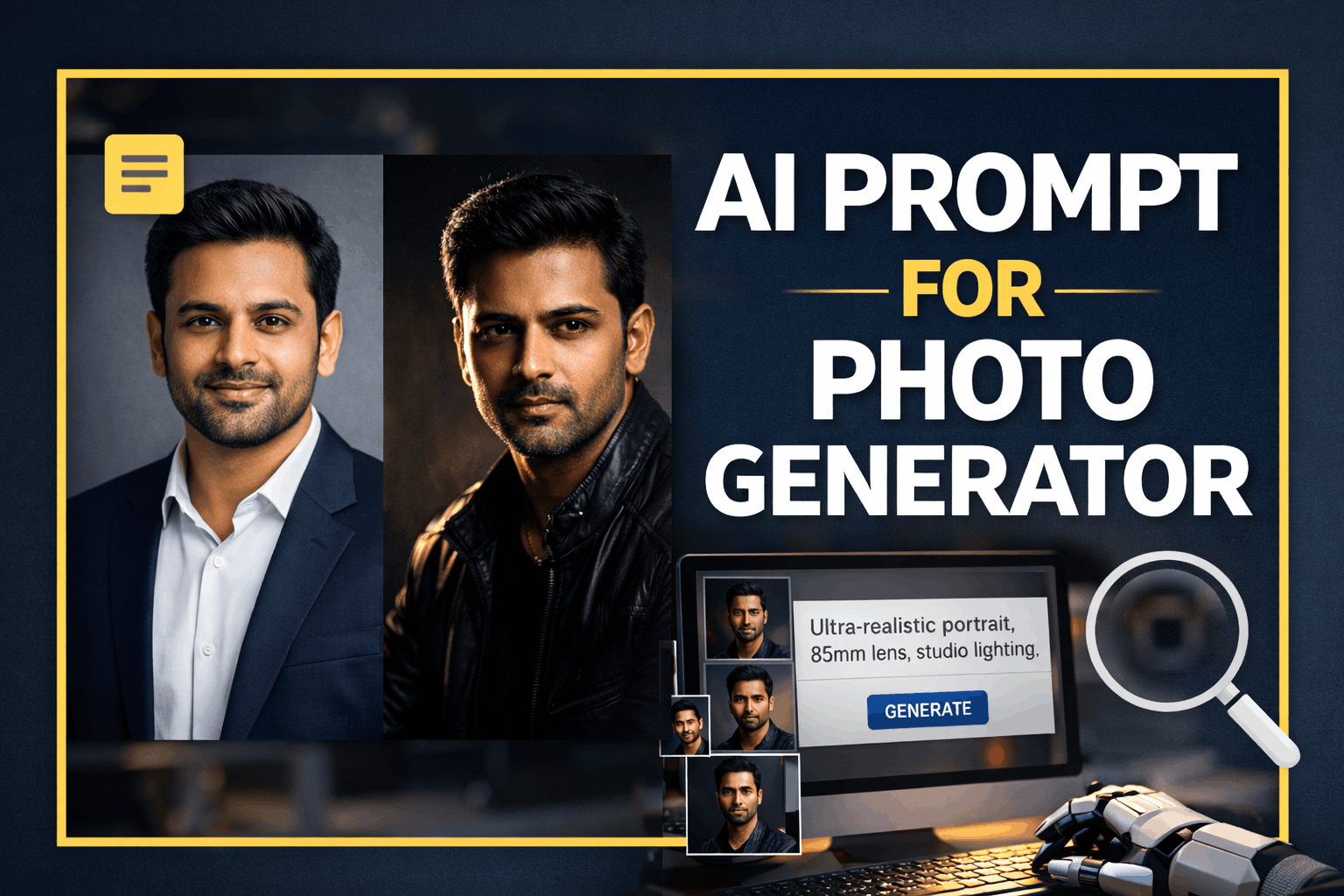
AI prompt for photo generator searches are growing rapidly as creators, professionals, and businesses look for realistic AI-generated photos.
AI photo generators can produce stunning images, but the real difference comes from using the right prompt. In this guide, you’ll learn exactly how to write effective AI prompts that generate professional, realistic, and high-quality photos.
What Is an AI Prompt for Photo Generator?
An AI prompt for photo generator is a detailed text instruction that tells the AI exactly how the image should look.
The better your prompt, the more realistic and professional the photo will be.
A strong prompt defines:
- Subject appearance
- Camera & lens
- Lighting style
- Background
- Mood and realism level
Why Most AI Photos Look Fake (And How to Fix It)
Many AI images fail because prompts are:
- Too short
- Missing camera or lighting details
- Using artistic words like illustration or digital art
To get realistic photos, your AI prompt must sound like a real photography brief.
Best AI Prompt Formula for Photo Generator (Save This)
Use this structure every time:
Ultra-realistic portrait of a [person description],
shot on [camera + lens],
professional studio lighting,
natural skin texture, sharp focus,
realistic proportions,
clean background,
high dynamic range, 8K photography,
photography style, not illustration
AI Prompt for Realistic Professional Headshot

Ultra-realistic professional headshot of an Indian man,
mid 30s, medium build,
wearing a navy blue blazer and white shirt,
shot on Canon EOS R5, 85mm lens, f/2,
soft studio lighting with subtle rim light,
natural skin texture, sharp facial details,
confident and approachable expression,
clean grey background,
high dynamic range, 8K photography,
realistic face, no AI artifacts
AI Prompt for LinkedIn Profile Photo
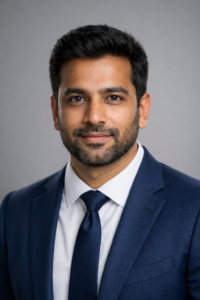
Ultra-realistic LinkedIn profile photo of a professional man,
formal attire, clean grooming,
shot on DSLR camera, 85mm lens,
soft natural studio lighting,
neutral background,
natural skin tones, sharp focus,
corporate photography style,
high detail, realistic proportions
AI Prompt for Cinematic Portrait Photography
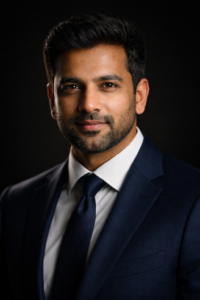
Ultra-realistic cinematic portrait of an Indian man,
dramatic side lighting (Rembrandt lighting),
dark minimalist background,
shot on 85mm lens, f/1.8,
sharp focus, detailed skin texture,
strong light and shadow contrast,
professional studio photography, 8K,
hyper-realistic, no blur
AI Prompt for Personal Branding Photo
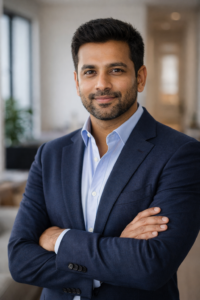
Ultra-realistic personal branding portrait of a man,
smart casual outfit,
soft natural indoor lighting,
clean modern background,
shot on 50mm lens,
natural expression, confident posture,
realistic skin texture,
professional photography style
Must-Use Negative Prompt (Very Important)
Always add this to your AI prompt:
cartoon, anime, illustration, painting,
plastic skin, over-smooth face,
extra fingers, distorted face,
blur, low resolution, watermark
This step alone improves results by 50%+.
Using a well-structured AI prompt for photo generator helps avoid fake-looking images and improves realism.
This guide focuses on practical AI prompt for photo generator examples that anyone can reuse.
Best AI Photo Generator Tools (Supports These Prompts)
These prompts work well with:
Tips to Rank Higher With AI Photo Prompts
- Always mention camera & lens
- Use the word photography
- Avoid art, render, illustration
- Add realistic skin texture
- Keep prompts descriptive, not poetic
Frequently Asked Questions (FAQs)
Which AI prompt is best for realistic photos?
A detailed AI prompt that includes camera, lighting, and realism keywords works best.
Can AI generate professional photos?
Yes. With the right AI prompt for photo generator, results can look studio-quality.
Why does my AI image look fake?
Your prompt may be missing lighting, lens details, or negative prompts.
How to Write Your Own AI Prompt for Photo Generator
Creating your own AI prompt for photo generator is easy when you follow a structured approach. Start by clearly defining the subject, such as age, appearance, and clothing. Next, mention the camera type and lens to guide realism.
Lighting plays a major role in AI-generated photos. Studio lighting, soft natural light, or cinematic lighting should be specified clearly. Finally, add realism-enhancing keywords like natural skin texture, sharp focus, and professional photography style.
By following this method, your AI prompt for photo generator will consistently produce high-quality results.
Final Thoughts
A powerful AI prompt for photo generator is the difference between a fake-looking image and a professional photo.
Instead of changing tools, improve your prompt — and the results will follow.
Bookmark this page and reuse these prompts whenever you need high-quality AI photos.



Leave a Reply